I know they are not many reader to this blog apart from some occasional spammer therefore, the entire writeup was done in a way that it’s more of record keeping than for a potential reader.
By the way, I would like to take this opportunity to say thanks to all the friends I met at IFF (this is my second time) and Coconet, and to all my mentors in India and abroad, who has guided me and encouraged me to follow my dream!
Please bear with my lousy English and you might not believe that I was once selected as one of the top six Tibetan students to study in U.S. on full funded scholarship to pursue double Master. Nevertheless, due to my shabby English skill, the opportunity was fallen off from the plate. Therefore, I already kind of feeling empathy towards my genuine readers :(
OK. I will cut my crap here and do the write-ups :)
Last time, I got the “ROOT” through Apache vulnerability using an exploit called “OpenFuck”.
Since I used to carry lunch box at the workplace, therefore, I get ample of time during the lunch-break for leisure. Thought to try out with other services such as “Samba”.
I will not write the steps again on how to get the target IP address, with a presumption that you already went through my first article. If you didn’t, please click here.
My name is Samdup and I am a security enthusiast. Although I don’t have any certificates related with security trainings, I was landed into an internship cum work opportunity in one of a renown security company for a year. Although the path is obscure and murky, with a dream to carry out further study in the security field I didn’t renew my contract with the company.
Watching some youtube videos before going to bed become quite a ritualistic thing with me and, it was one of those incidents I came to know about Kioptrix and Vulhub.
Yes, this is my first attempt to write a “Walk Through”. Nevertheless, I must confess that I have read like literally 10 walk throughs before. So to be honest this “walk through” literally doesn’t belong to me. (I owe this credit to all the predecessors!!)
Important Note: I have tried with many network adapters, such as Bridget Network and Host Only etc. and came to understand one thing i.e. whatever adapter you are using never forget to choose the same for Target Machine (Kioptrix) as well as the research machine (Kali Linux). In my case, I have chosen NAT for Kioptrix and Kali Linux machine both.
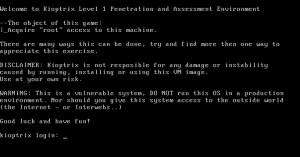
Kioptrix Level 1 Machine (Victim or Target Machine)
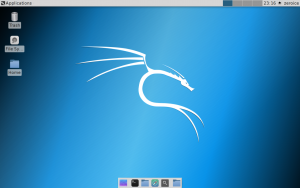
Kali Linux (Researcher Machine)
Note for Kali Linux Lite 32 bits user:
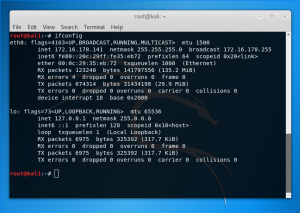
If you are the first time using it, your ifconfig command may not work. Don’t worry. For that just install the net-tools through following command or just type ip a
apt-get install net-tools
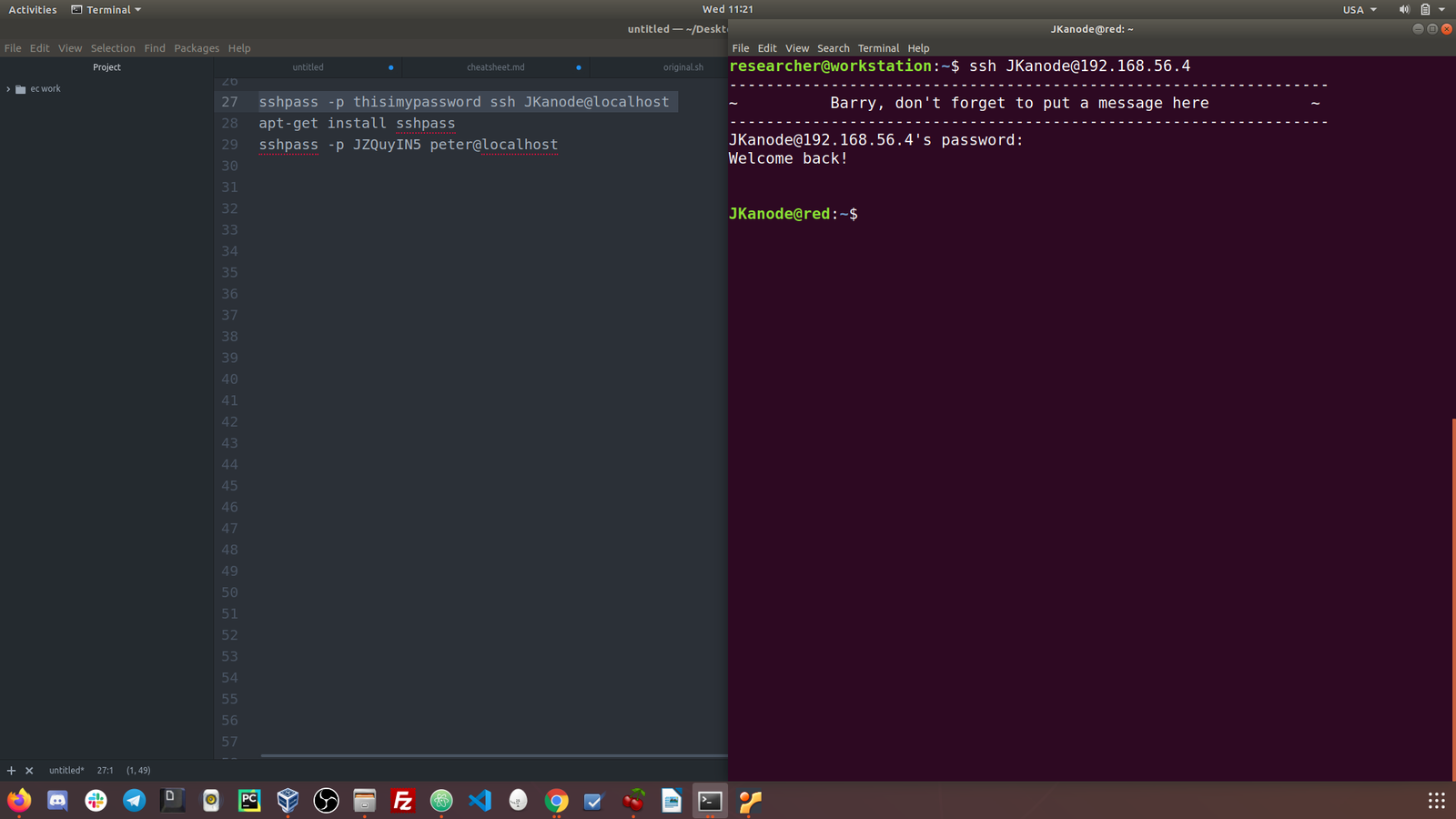
Besides, I like to use ssh from my Host Machine to Kali Machine. And if your system doesn’t allow it, create a new user.