Hi there,My name is Samdup and I am a security enthusiast. Although I don’t have any certificates related with security trainings, I was landed into an internship cum work opportunity in one of a renown security company for a year. Although the path is obscure and murky, with a dream to carry out further study in the security field I didn’t renew my contract with the company.
Watching some youtube videos before going to bed become quite a ritualistic thing with me and, it was one of those incidents I came to know about Kioptrix and Vulhub.
Yes, this is my first attempt to write a “Walk Through”. Nevertheless, I must confess that I have read like literally 10 walk throughs before. So to be honest this “walk through” literally doesn’t belong to me. (I owe this credit to all the predecessors!!)
Important Note: I have tried with many network adapters, such as Bridget Network and Host Only etc. and came to understand one thing i.e. whatever adapter you are using never forget to choose the same for Target Machine (Kioptrix) as well as the research machine (Kali Linux). In my case, I have chosen NAT for Kioptrix and Kali Linux machine both.
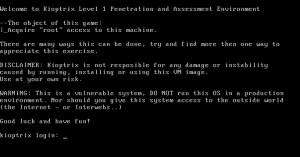
Kioptrix Level 1 Machine (Victim or Target Machine)
Kali Linux (Researcher Machine)
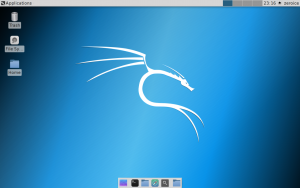
Note for Kali Linux Lite 32 bits user: If you are the first time using it, your ifconfig command may not work. Don’t worry. For that just install the net-tools through following command or just type ip a
apt-get install net-tools
Besides, I like to use ssh from my Host Machine to Kali Machine. And if your system doesn’t allow it, create a new user.
useradd -m -d /home/zeroice/ -s /bin/bash -G sudo zeroice*zeroice change this to your own handle (username).
or you can follow the step 1.2 (just beneath it) to get the ssh with root user. (do some few tweaks in /usr/share/ssh/sshd_config)
Walk Through
Step 1:
ifconfig (Run this command on your Kali Machine)

Kali Linux IP: 172.16.178.141
Step 1.1:
/etc/init.d/ssh<strong> start </strong> (Run this command)
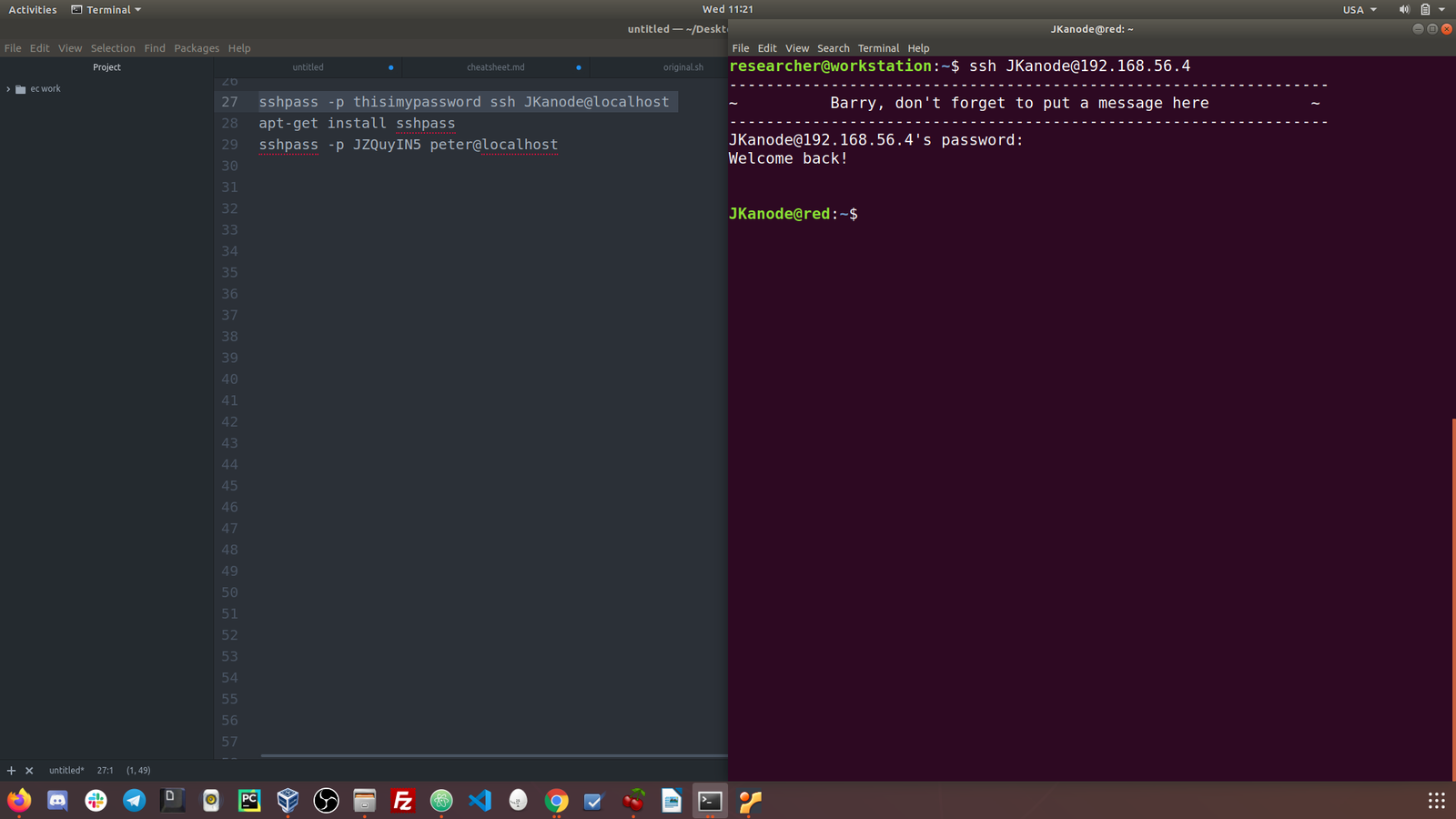
Step 1.2:
ssh from my host machine (Macintosh Terminal)
ssh root@172.16.178.141